Alpstein TUI — Trading insights in your terminal
A fully-featured terminal interface for Alpstein. Same AI opinions, same live data, same WebSocket stream—just without the browser. Built with Bubble Tea and Lipgloss.
Installation
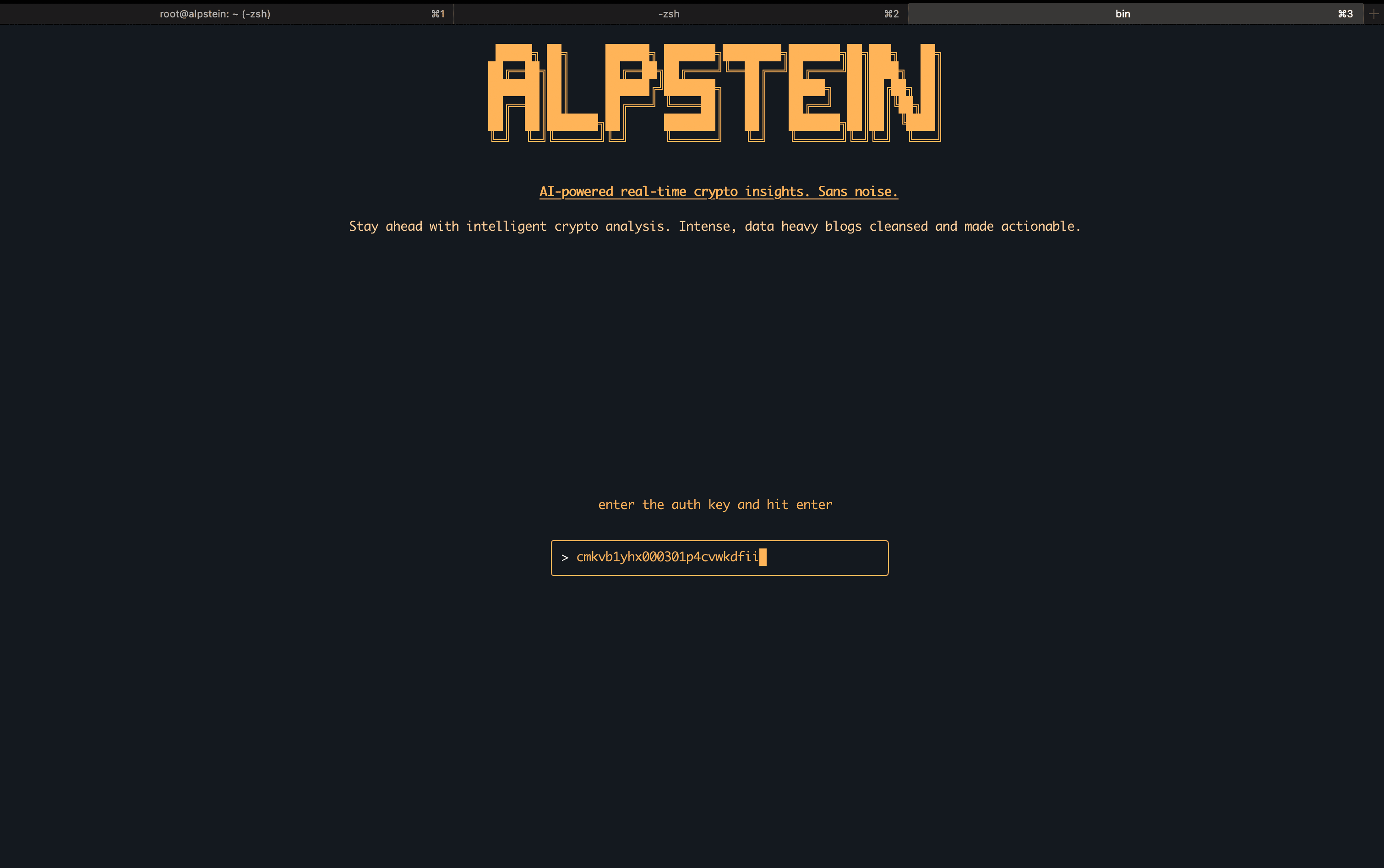
brew install whiplashvin/whiplashvin/alpstein-tuiOn first launch, you'll be prompted for an authentication key. This connects your terminal session to your Alpstein account using the same JWT-based auth as the web app. Authenticate once, and you're in.
What's on screen
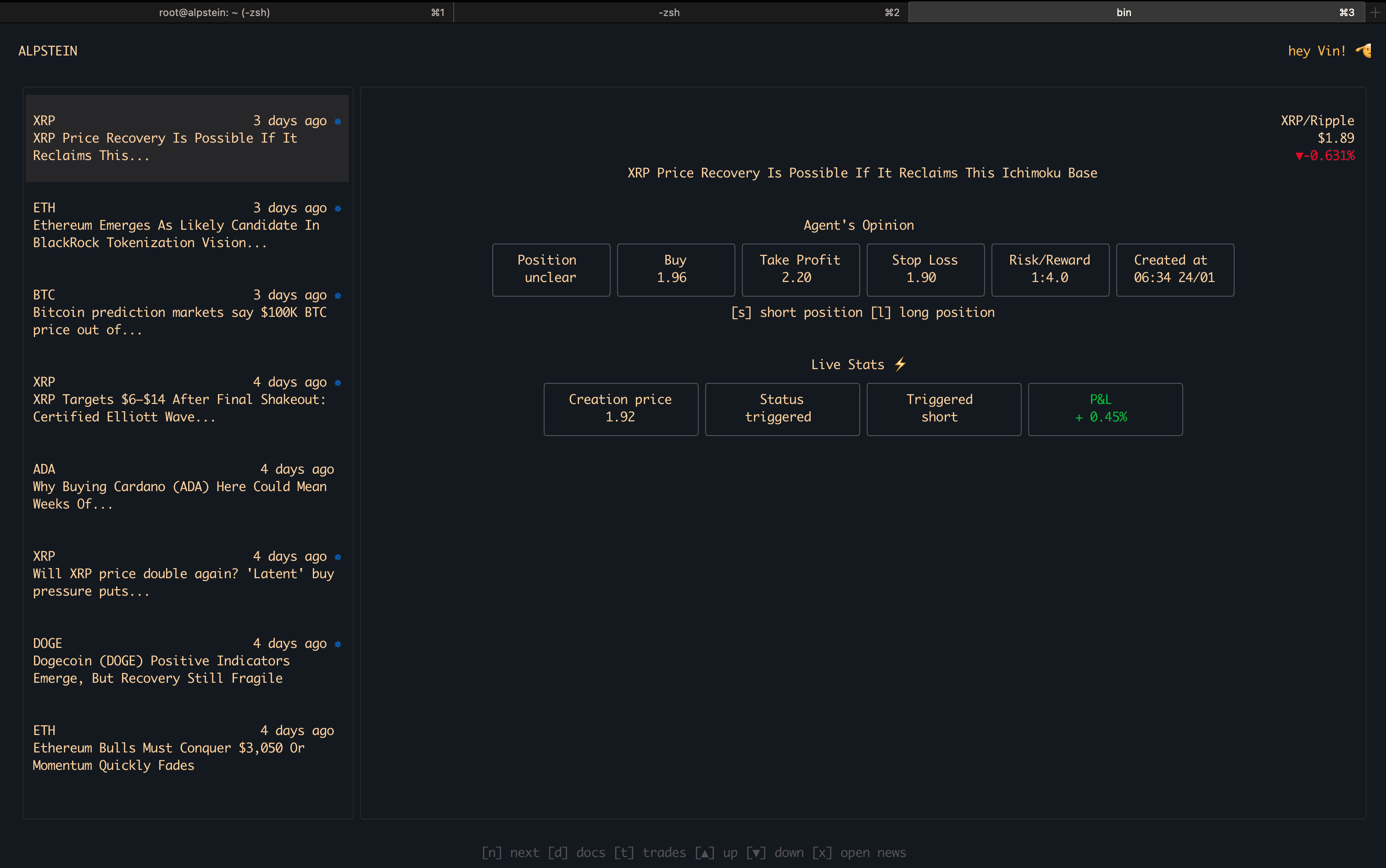
- Live prices — Real-time data for BTC, ETH, XRP, and other major pairs. Color-coded percentage changes update instantly via WebSocket.
- News feed — Articles from CoinTelegraph, The Block, and NewsBTC appear as they're scraped. Source, timestamp, and preview visible at a glance.
- Agent's opinion — The AI's current recommendation: position direction, entry price, take-profit, stop-loss, and risk/reward ratio.
- Live P&L — If a signal is active, you see status (triggered or pending), creation price, and real-time profit/loss updating continuously.
Keyboard shortcuts
[↑] [↓]— Scroll through news items[n]/[p]— Next / previous page[x]— Open the article source[d]— Open documentation (upcoming)[t]— View trade history (upcoming)
Why a TUI?
If you're already in the terminal—coding, deploying, debugging—switching to a browser tab breaks your flow. The TUI keeps Alpstein where you already are. Run it in a tmux pane, glance at the latest signal, and get back to work.
No browser overhead, no mouse, no context switching. Just data.
Try it
brew install whiplashvin/whiplashvin/alpstein-tui
alpstein-tui
Two commands. That's it.